Product categories
Every listing on ShipShelf sits in exactly one category, chosen by the maker who shipped it. This page is the map: what each category actually covers, how deep the catalog runs there today, and which products are leading it right now.
Categories are ordered by how much is in them, so the busiest sit at the top. Where a category is still thin, it says so rather than dressing up the number. If you already know what you need, each category page carries the full sortable list plus an RSS feed of its new launches.
- Live listings
- 5
- Categories in use
- 5 / 10
- Upvotes cast
- 0
- Launched in 30 days
- 0
Start here
AI
1 live listing · 1 with a free tier
Models, agents, copilots and the plumbing around them: anything whose value comes from inference rather than from a database query. Nearly all of it absorbs work that used to mean a person reading, drafting or triaging — support replies, first-draft copy, code review, meeting notes.
What to look for
Ask what happens when the model is wrong. The ones worth paying for cite their sources, let you correct them, and get cheaper as your prompt library grows rather than more expensive per seat.
Most recent launch here: Plagly.ai, 1 month ago.
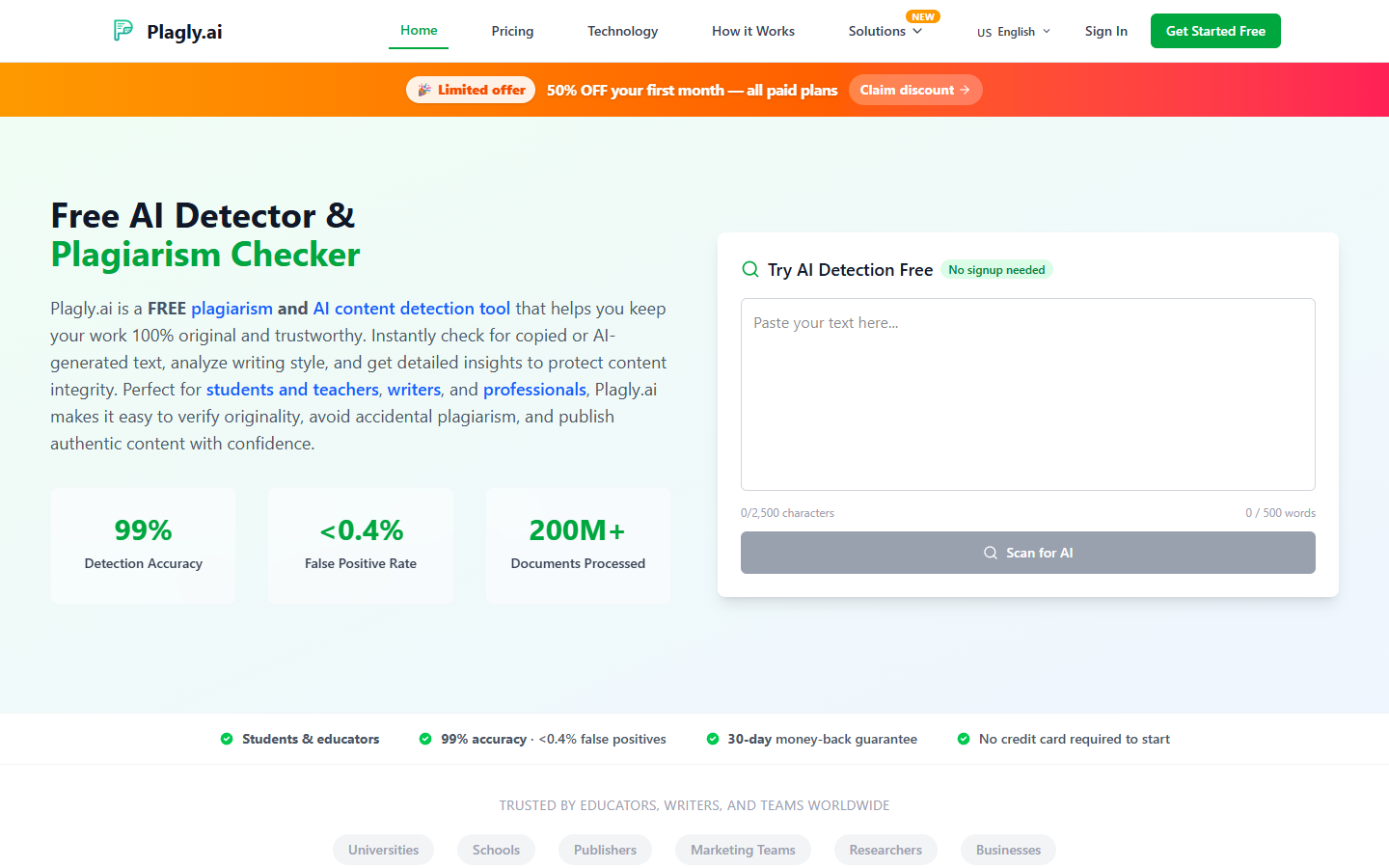

The most upvoted AI listings on ShipShelf today.
More of the catalog
The next categories by depth, each with the listings people have upvoted most.
Collaboration
1 live listing · 1 with a free tier
Shared workspaces, docs, whiteboards, async video and the connective tissue between the rest of a team's tools. Every one of them is fighting the same thing: context stuck in one person's head, one inbox, or one meeting nobody recorded.
What to look for: The real test is whether it survives a busy week. Anything that needs daily grooming gets abandoned by the second sprint; what sticks captures context as a side effect of work people were already doing.

Development
1 live listing · 1 with a free tier
Developer tooling, APIs, infrastructure, testing, CI and everything else that runs between a commit and production. They win back the hours that disappear into setup, glue code and debugging things that were never the product.
What to look for: Read the exit story first: how data comes out, whether it runs locally, and what breaks if the company disappears. Self-hosting and a real licence matter more here than in any other category.

Finance
1 live listing · 1 with a free tier
Billing, invoicing, accounting, spend management, payouts and revenue reporting. The work here is unglamorous and unavoidable: getting paid, staying compliant, and knowing the numbers without a month-end scramble.
What to look for: Ask about the edge cases before the happy path — refunds, proration, currency, tax, and the audit trail an accountant will actually request. A tool that handles the first invoice but not the first dispute costs more than it saves.

The rest of the index
Every other category, in full. The notes run complete here too — a short list is not the same as a bad one.
Productivity
1 live listing · 1 with a free tierTask managers, notes, calendars, focus tools and the small utilities that remove one repeated step. The honest promise here is narrow: fewer clicks, less switching, and fewer things carried in your head from Monday to Friday. Adoption cost is the whole game. Anything needing a weekend of setup is competing with a text file that needs none, so favour what is useful within an hour and improves slowly.
Listed here: WeZoom.
Analytics
No listings yetProduct analytics, dashboards, warehouses and the reporting layers that sit on top of them. They exist because the answer to “did that change work?” is buried in event data nobody has time to query by hand. Look at what it costs to add one more event, and at who on the team can answer a question without filing a ticket. Pricing that scales with event volume quietly punishes the instrumentation you actually want.
Nothing is listed here yet. Submit your Analytics product and it becomes the first entry in this category.
Customer Support
No listings yetHelpdesks, shared inboxes, live chat, knowledge bases and the automation layered over them. Support tooling gets bought at the exact moment volume outgrows a shared email account and the same question starts being answered four times a day. Watch the handoff from bot to human. Deflection rates are easy to inflate; what matters is whether an escalated conversation keeps its history and whether an agent can see the customer's account without leaving the thread.
Nothing is listed here yet. Submit your Customer Support product and it becomes the first entry in this category.
Design
No listings yetInterface and brand design, prototyping, design systems, illustration and the handoff into code. Most of them close the gap between a picture of a product and the product: the version drift, the untracked component, the spec nobody opened. Check who can open the file. A tool only designers can use turns every review into a meeting; the useful ones give engineers and writers a way in without buying each of them a seat.
Nothing is listed here yet. Submit your Design product and it becomes the first entry in this category.
Marketing
No listings yetSEO, email, landing pages, campaign tooling, attribution and the rest of the growth stack. These get bought to make a small team look like a bigger one, and to prove which half of the budget did anything. Be suspicious of anything that only reports on itself. The useful ones export somewhere you already trust and leave you holding the raw list, the raw content and the raw domain when you stop paying.
Nothing is listed here yet. Submit your Marketing product and it becomes the first entry in this category.
No-Code
No listings yetVisual builders, internal-tool platforms, automation, forms and front-ends over an existing database. They exist so the person who understands the problem can build the fix, instead of writing a ticket and waiting a quarter. The ceiling matters more than the demo. Find the escape hatch — custom code, an API, an exportable schema — because the projects that last are the ones that outgrow the builder gracefully.
Nothing is listed here yet. Submit your No-Code product and it becomes the first entry in this category.
Not sure which category fits your product?
Pick the one a buyer would look in, not the one that describes how you built it. A scheduling tool with a model inside it still belongs in Productivity if that is the shelf someone would search. Every listing sits in exactly one category, and you can move it later by editing the listing — so the first choice is not permanent.